The Odoo 19 Appraisal module provides an effective process for assessing employee performance, enabling HR personnel to evaluate employees systematically. HR teams can schedule appraisals, define evaluation criteria, gather feedback from different perspectives, and create custom appraisal templates. The appraisal process can be automated based on an employee’s tenure or initiated manually. Feedback can also be collected centrally from managers, colleagues, and subordinates. Organizations can use the Appraisals module to support employee development, promote performance transparency, recognize high-performing employees, and improve overall productivity.
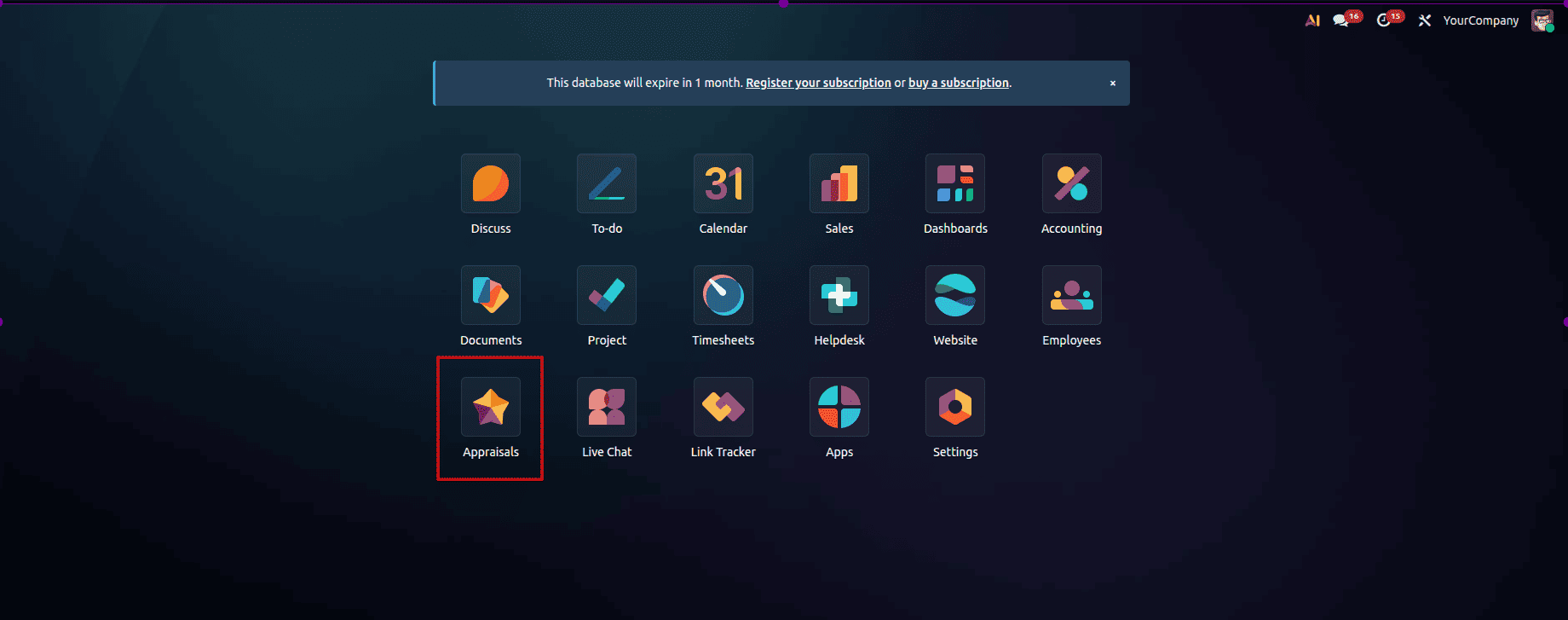
Firstly, select the Appraisals module from Odoo 19.
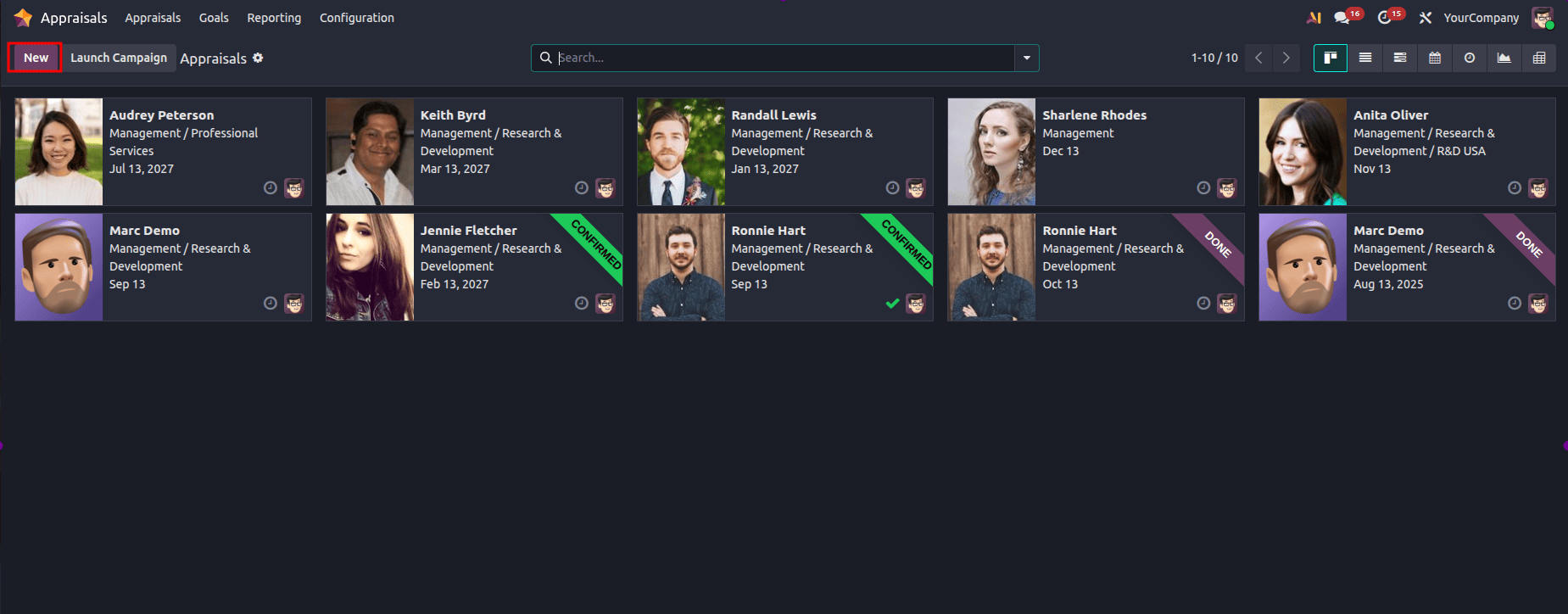
The Appraisal dashboard displays all appraisals organized by month. To create an appraisal from scratch, please press the New button, which is presented below:
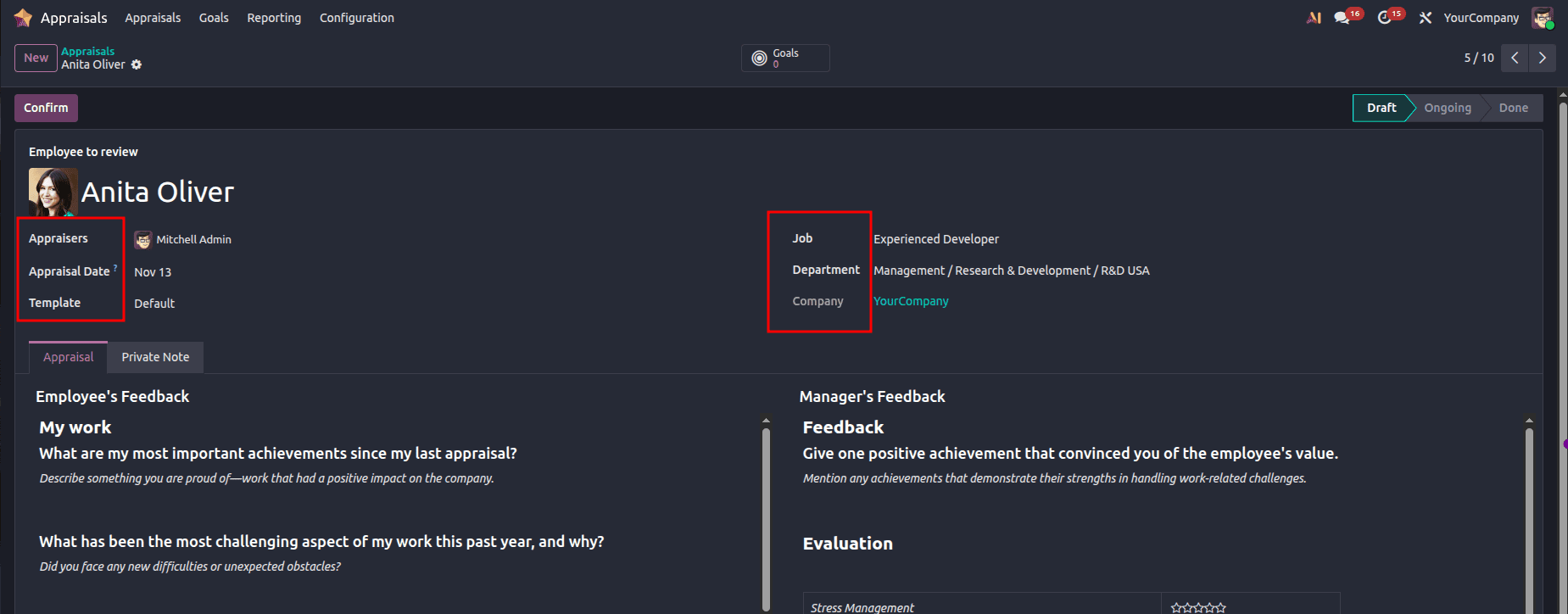
Choose an employee from the list provided above. The employee’s information, such as their manager, position, department, and company, will be filled in automatically. Select the appraisal date from the Appraisal Date field, which is set to the current date by default.
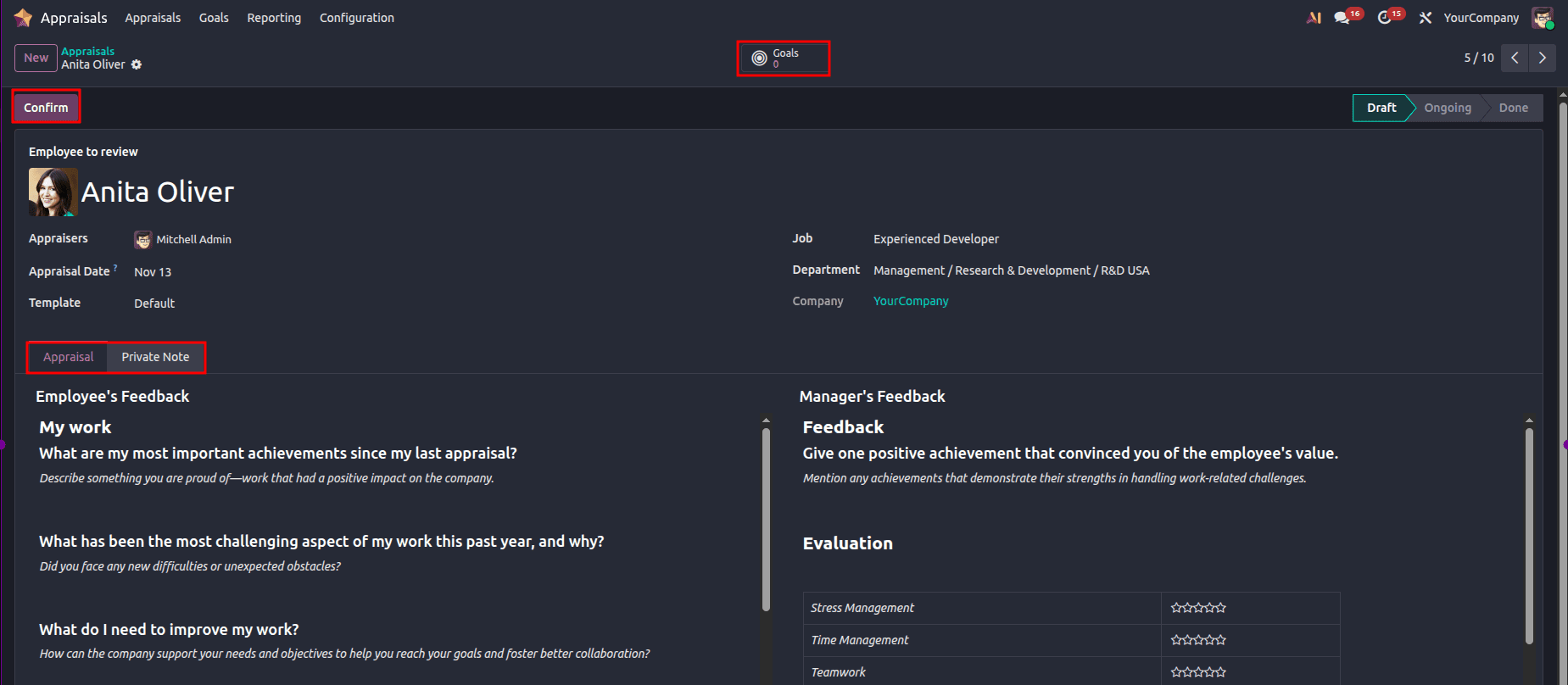
The Appraisal tab provides data such as the employee’s feedback and the manager’s feedback, whereas the Private Notes tab allows you to add any private notes. The available smart buttons include Employee’s Goals, Total Appraisals, and Meetings. Users can select from several templates, such as Default, Probationary, Yearly Meeting, Post Training, and Exit Interview. Everything is set - all you need to do is press the Confirm button.
This is where you can check all the appraisals in the Kanban format based on the company, department, and status. Employee information such as his/her name, department, date, and activity schedule can be found on an appraisal card.
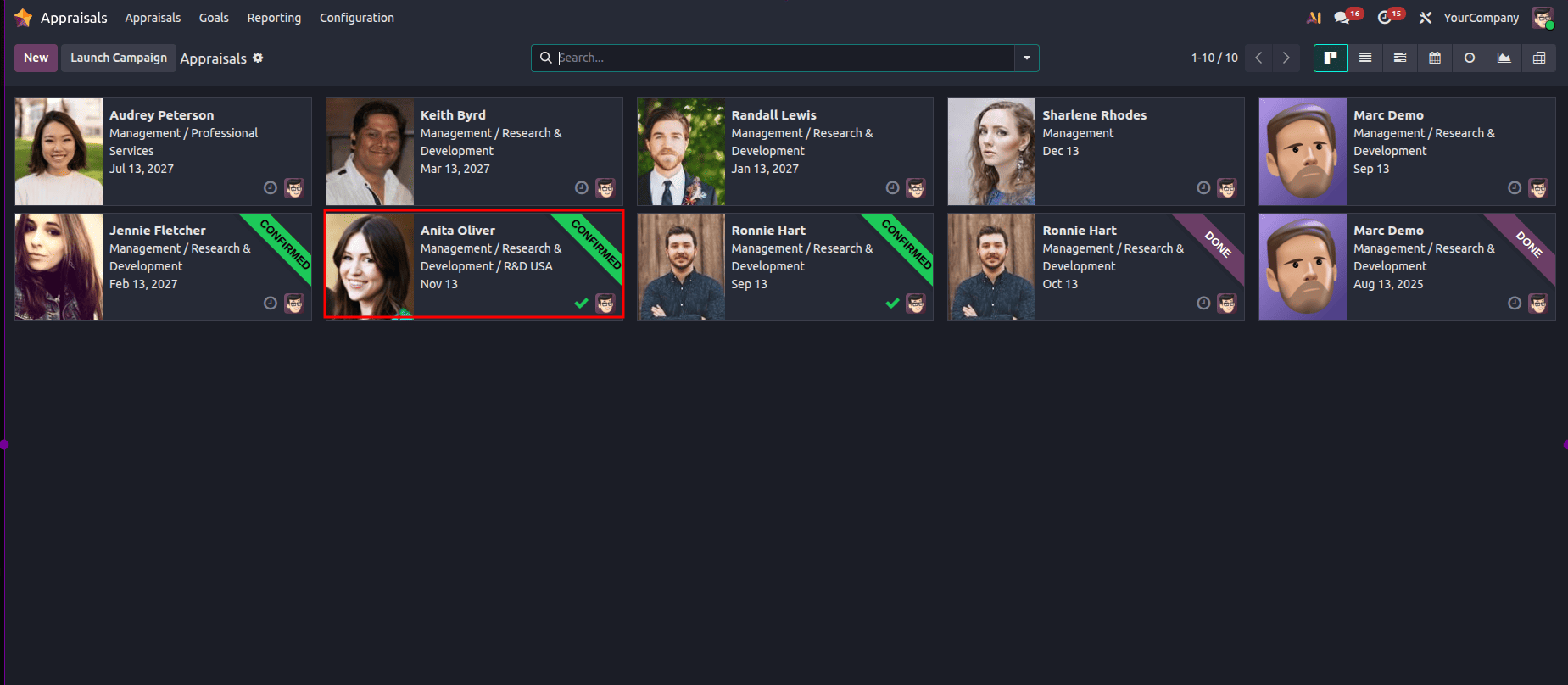
Employee Feedback falls under the category of Appraisal. The employee would be able to view the appraisals and provide feedback. The visibility for the employee’s feedback can be configured as ‘not visible’ by the employee using the “Not Visible to Manager” option. To activate the “Not Visible to Manager” option, do as follows:
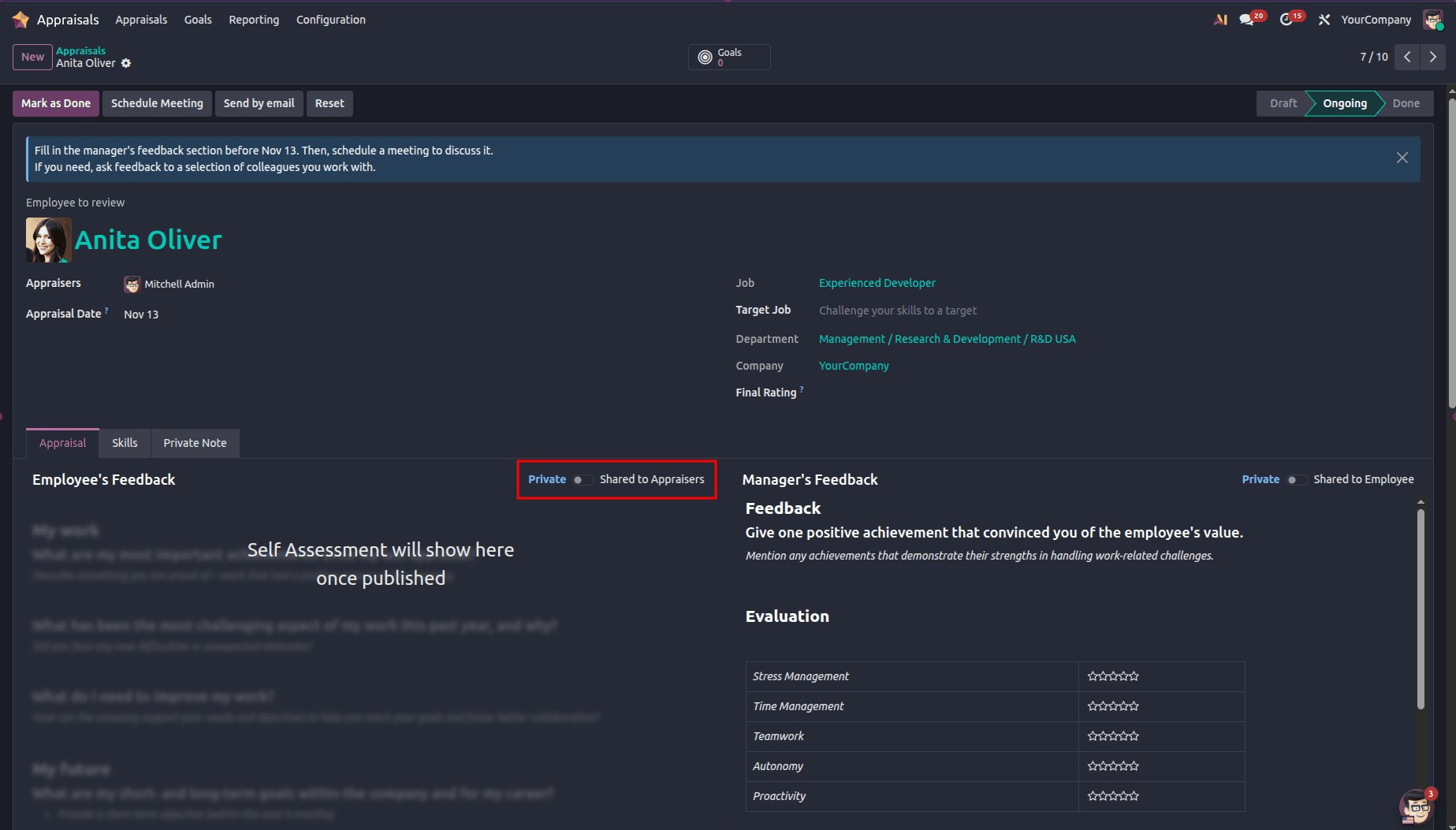
A confirmation pop-up will appear on the screen. Click the OK button to proceed, as shown below:
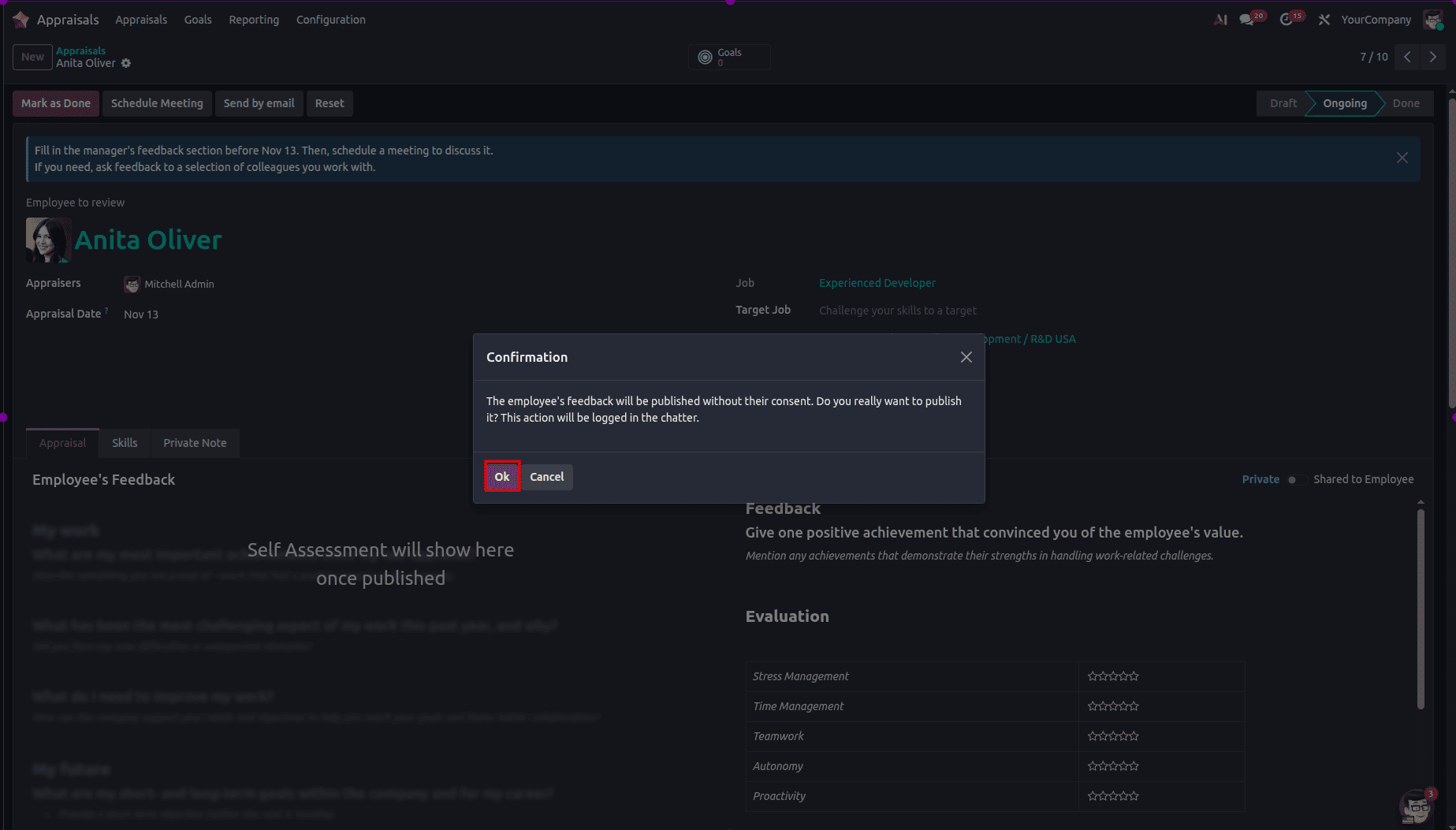
Feedback from the employee will be visible once it is activated. The visibility setting of the Manager's Feedback tab is that the manager can see it by default. To make the feedback visible to the employee, Visible to Employee must be activated.
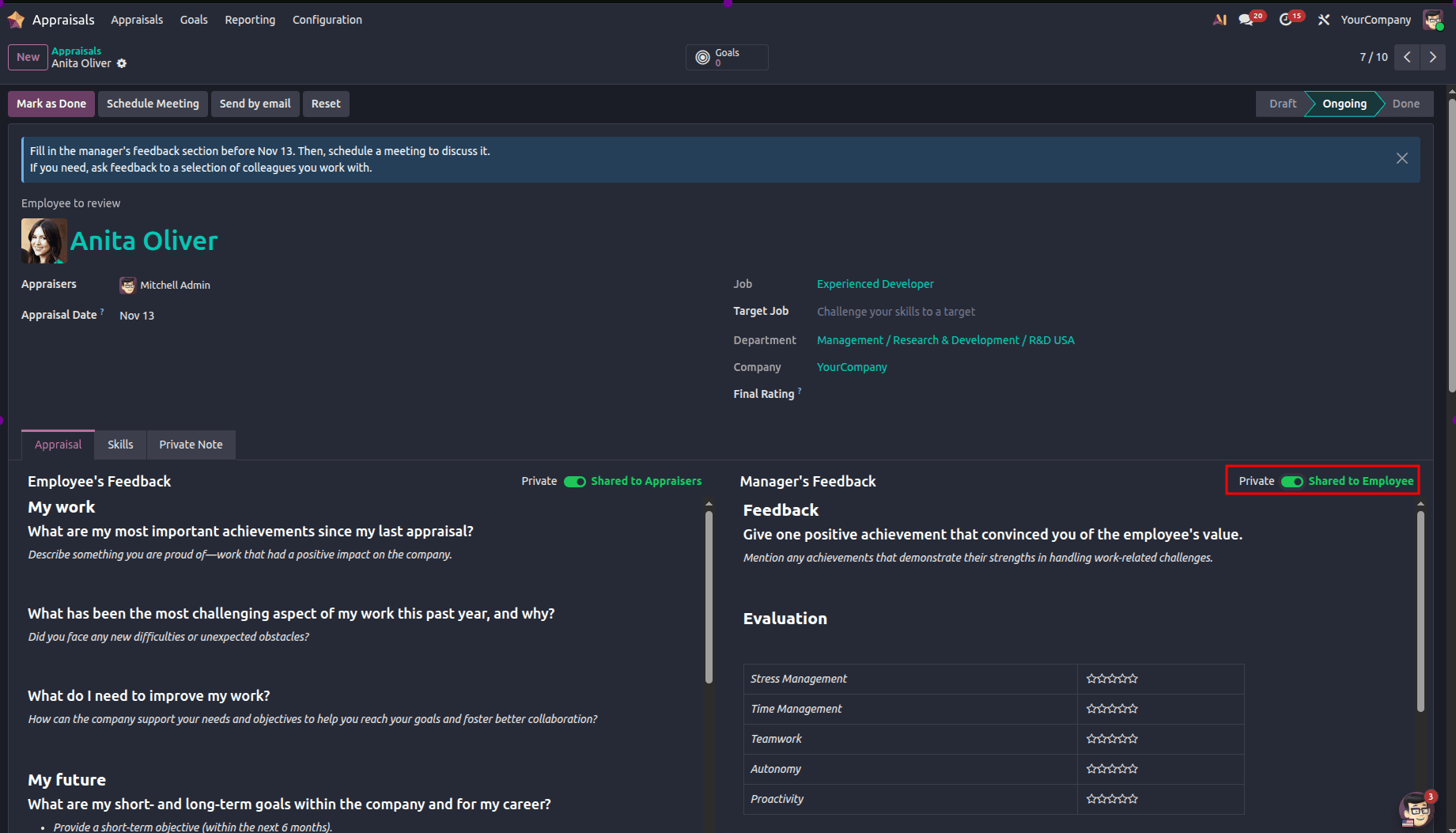
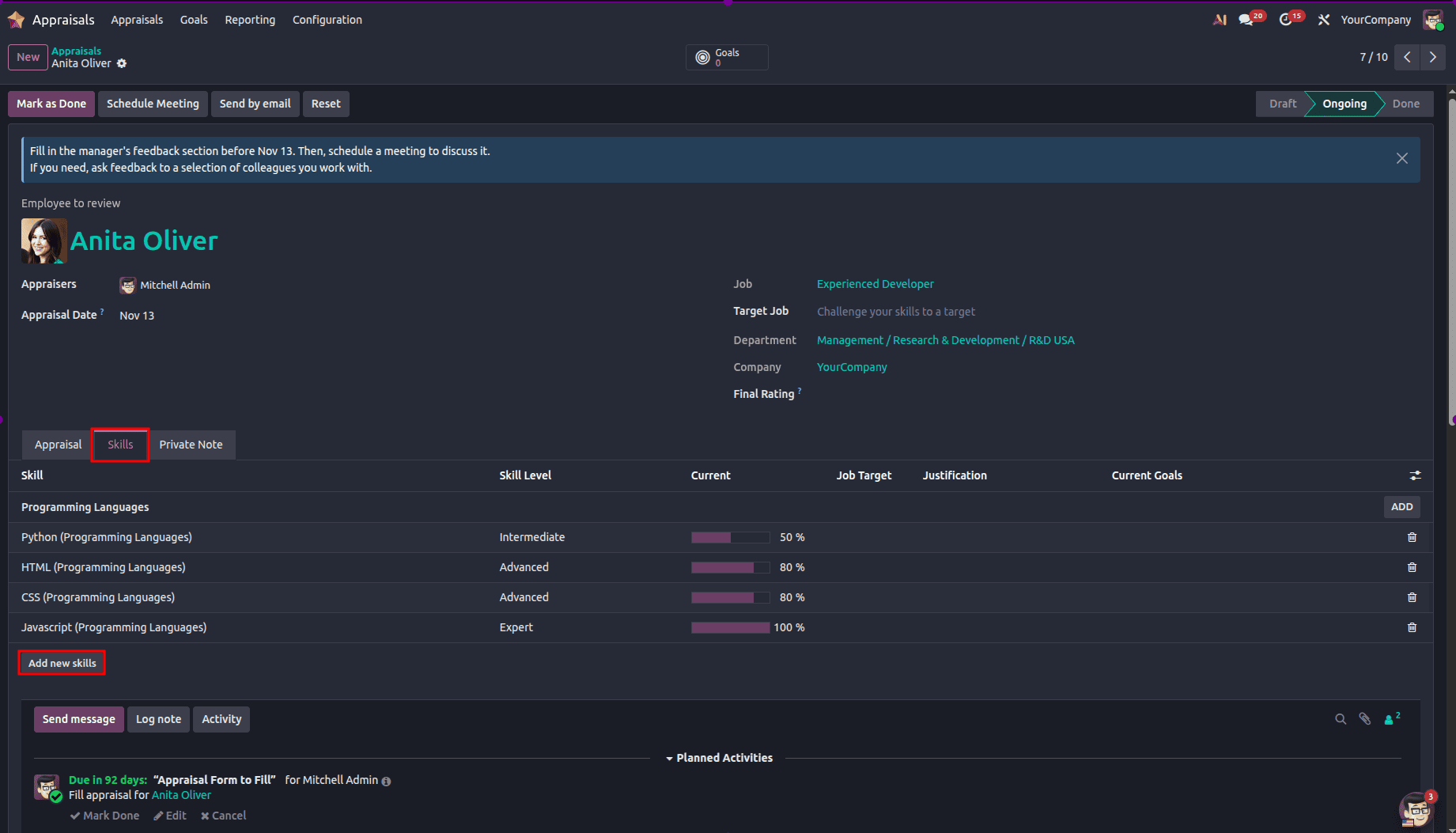
Under the Skills tab, it is possible to check the skills of the worker based on the information provided as Skill, Skill Level, Progress, and Justification. It is also possible to update skill levels and add skills when needed. Adding skills can be done using the procedure below:
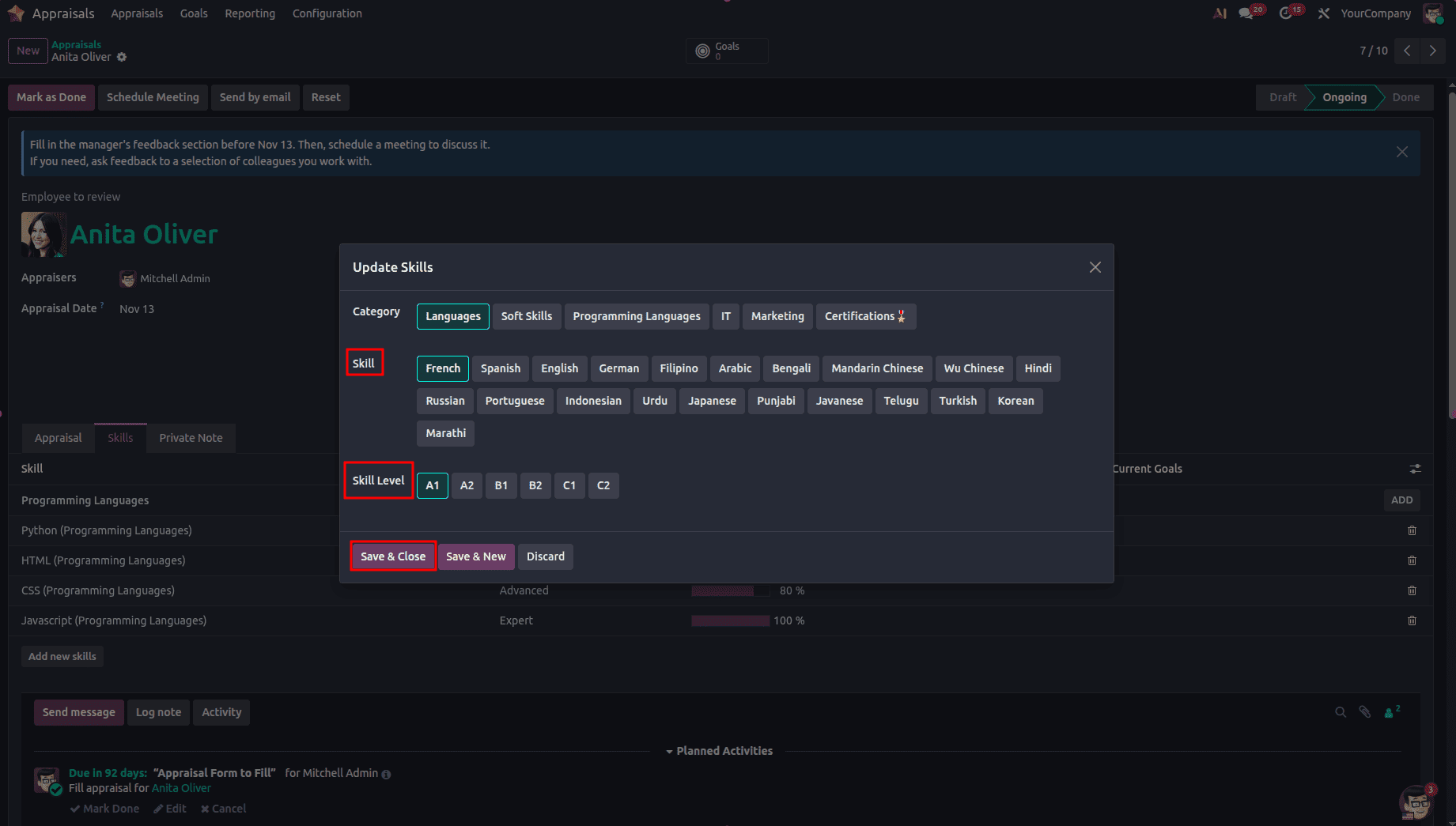
In this step, you need to select Skill Type, Skill, and Skill Level. After filling out all necessary information, click on Save & Close, as illustrated below:
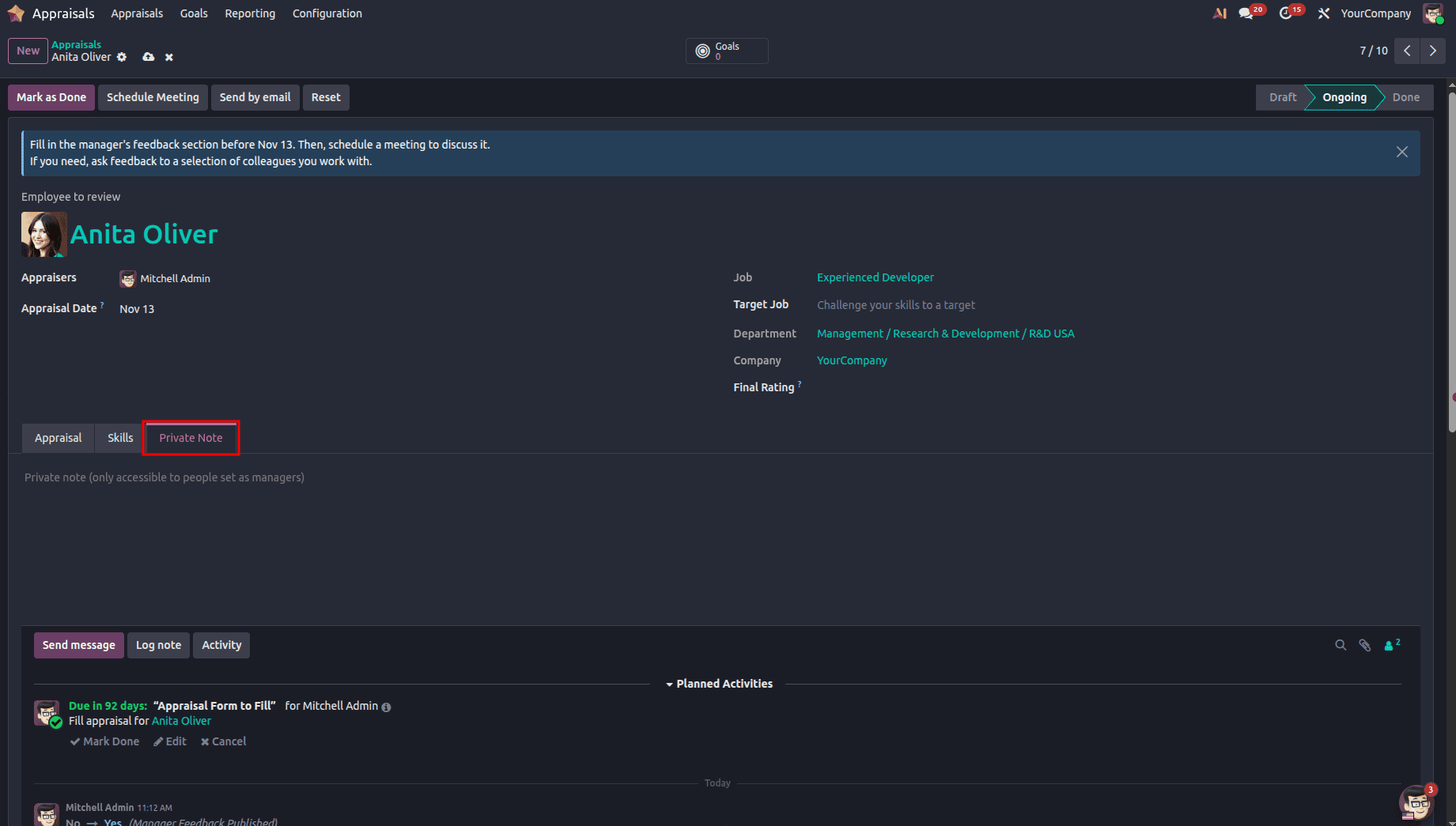
Under the Private Note tab, the manager is allowed to write private notes on the appraisal for his/her personal reference.
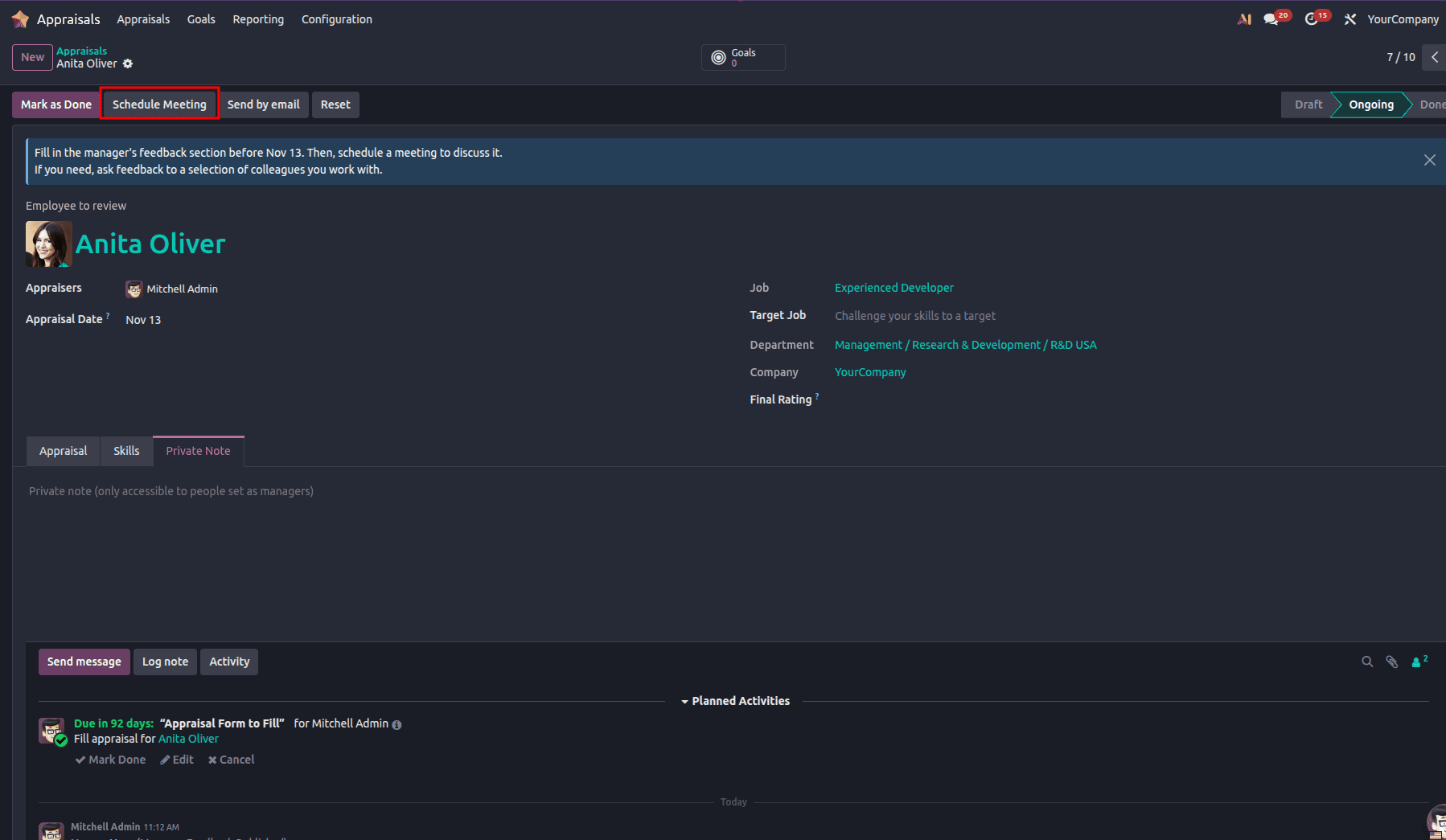
Appraisal meetings can be scheduled both from the Appraisal dashboard and from the appraisal form itself. In Odoo 19, a meeting can be scheduled by clicking on the Schedule Meeting button located at the top of the appraisal form, as is illustrated below:
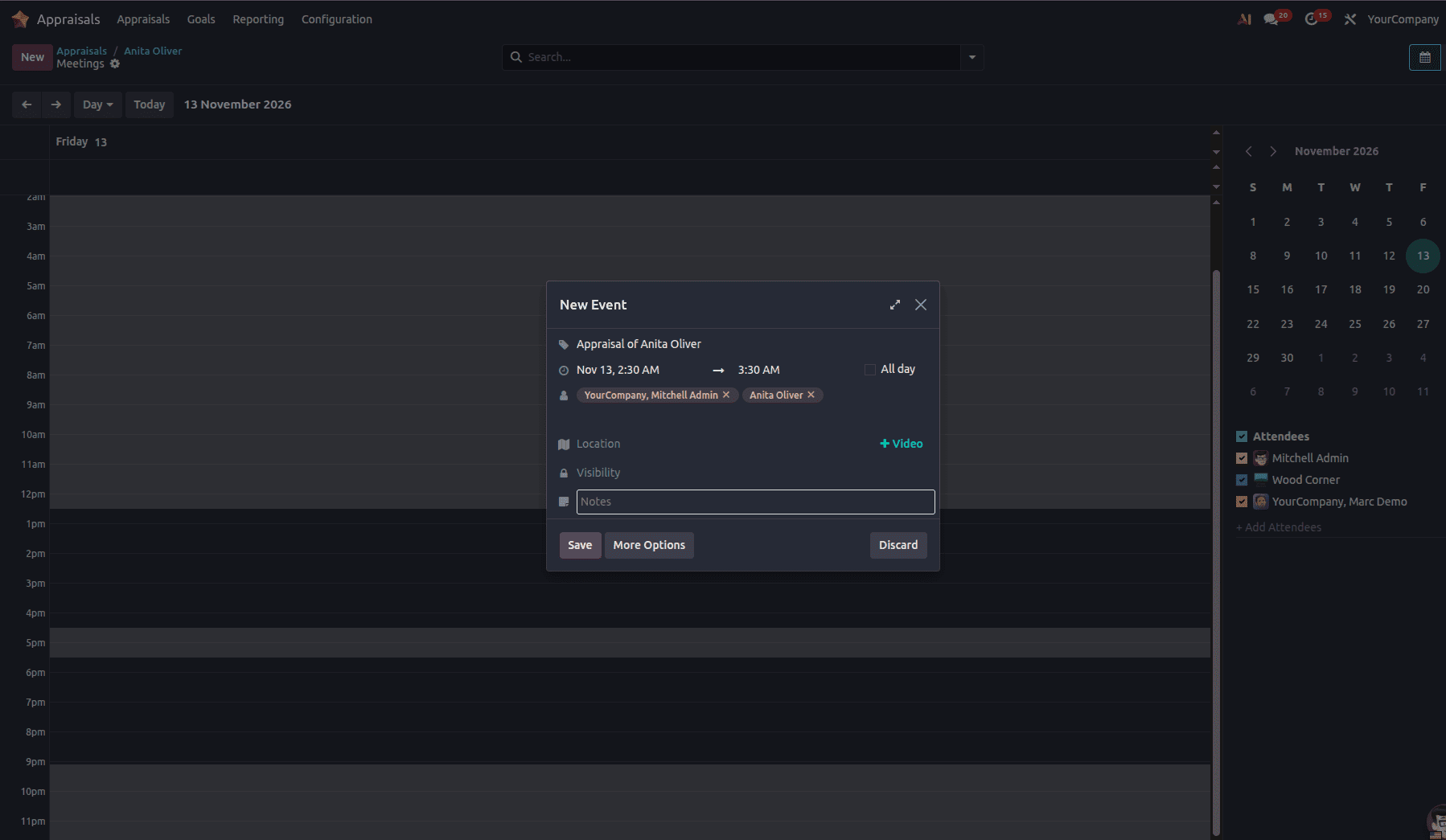
To create a new event, just click and drag the mouse over the chosen time and date. Next, input the details and save, as illustrated below:
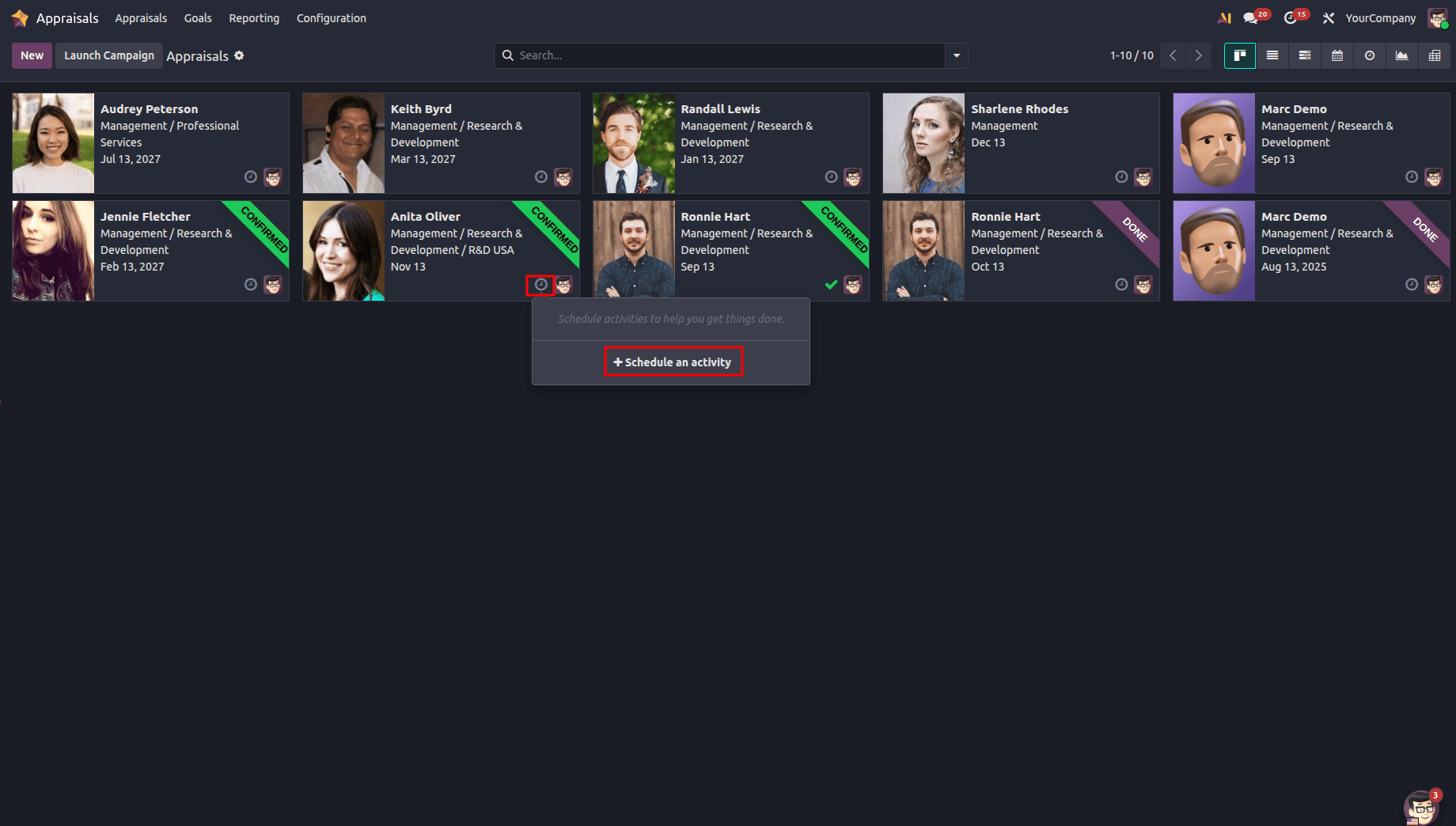
You can also schedule the activity right from the Appraisals dashboard. Simply click on the clock icon, then click on the “+ Schedule an Activity” option, as shown below:
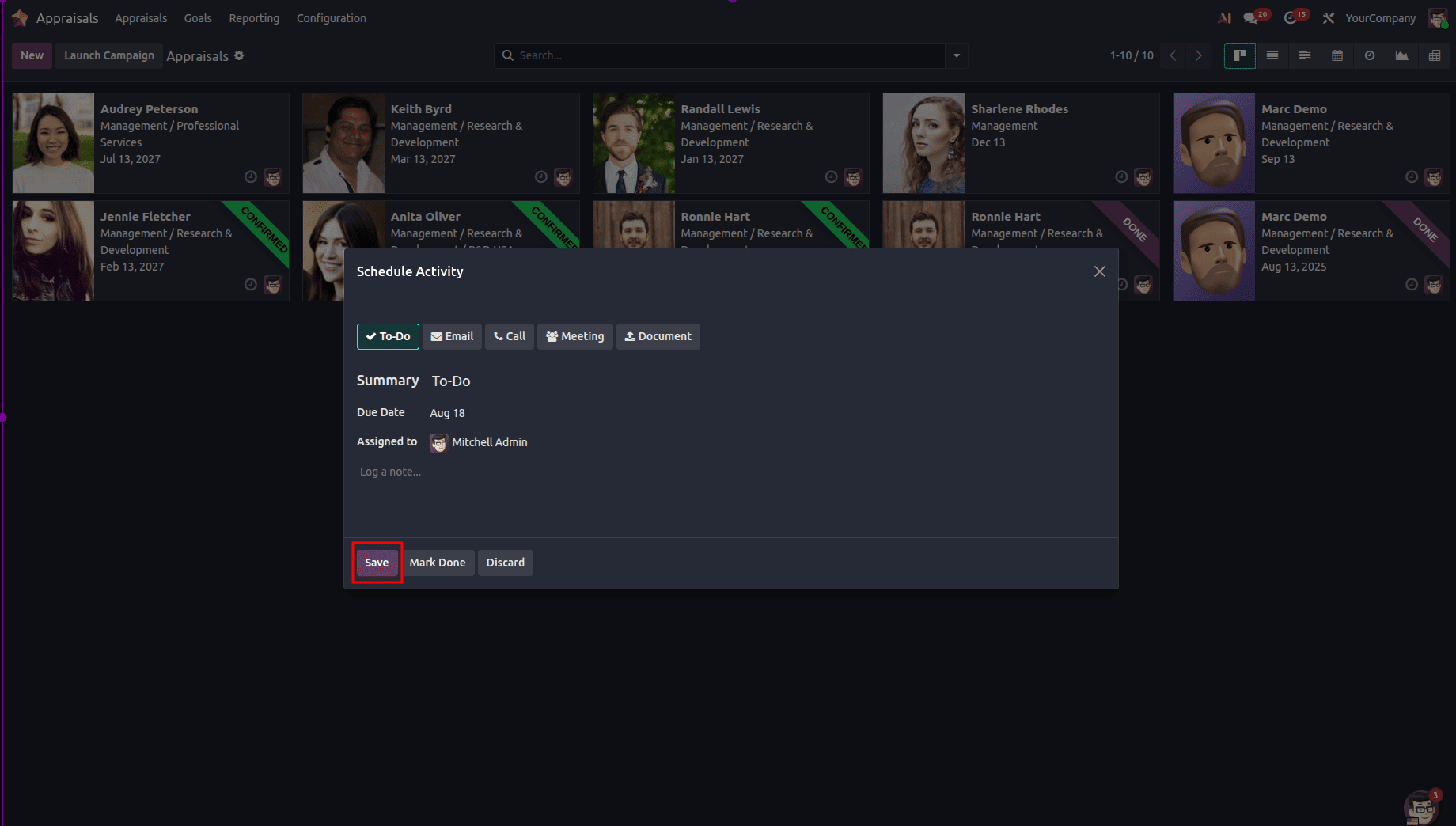
This is where you fill out the required scheduling data, including the Activity Type, Summary, Due Date, and Assigned To. Click on the Save button, shown below:
To perform the assessment, press the “Mark as Done” button.
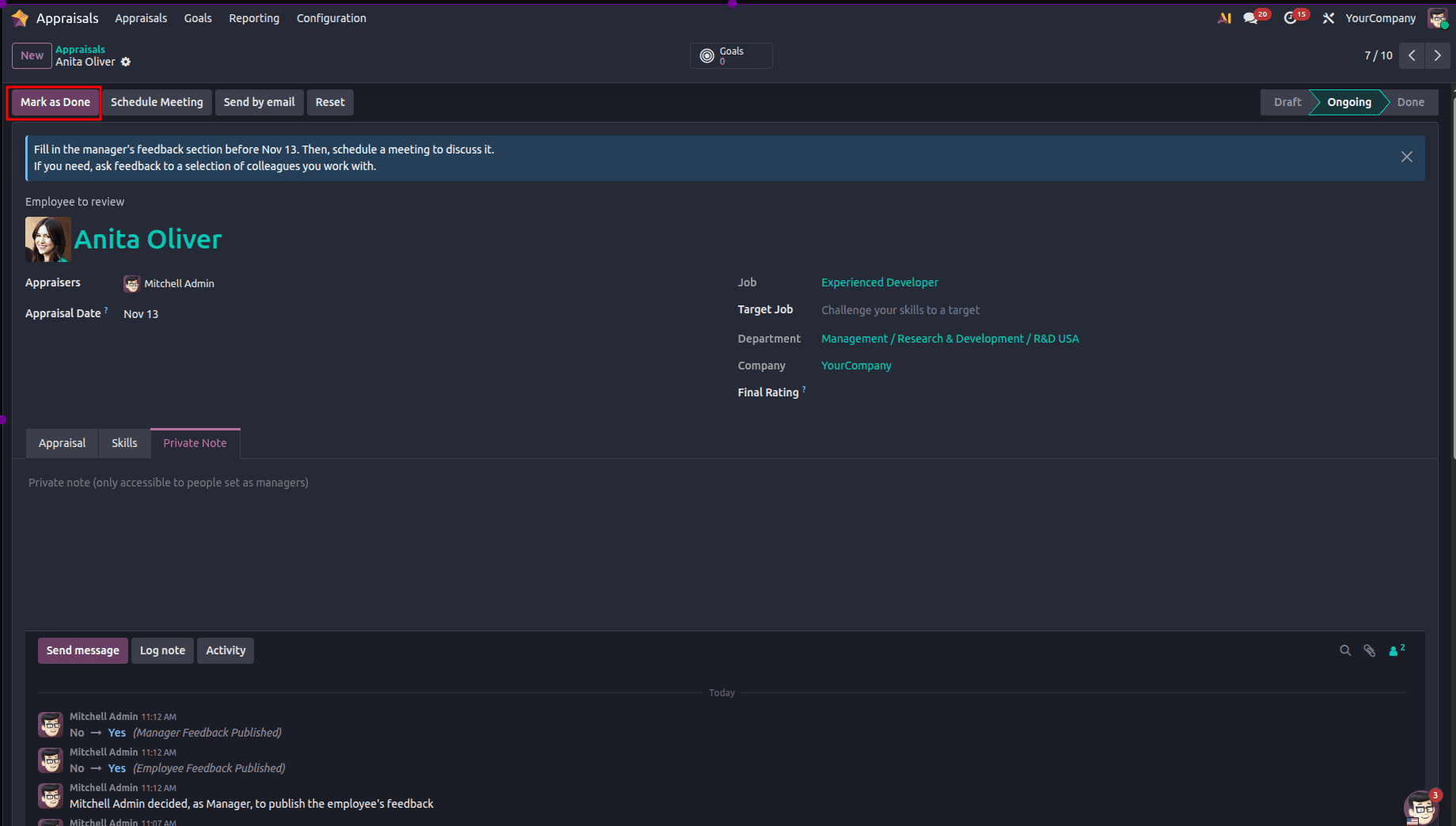
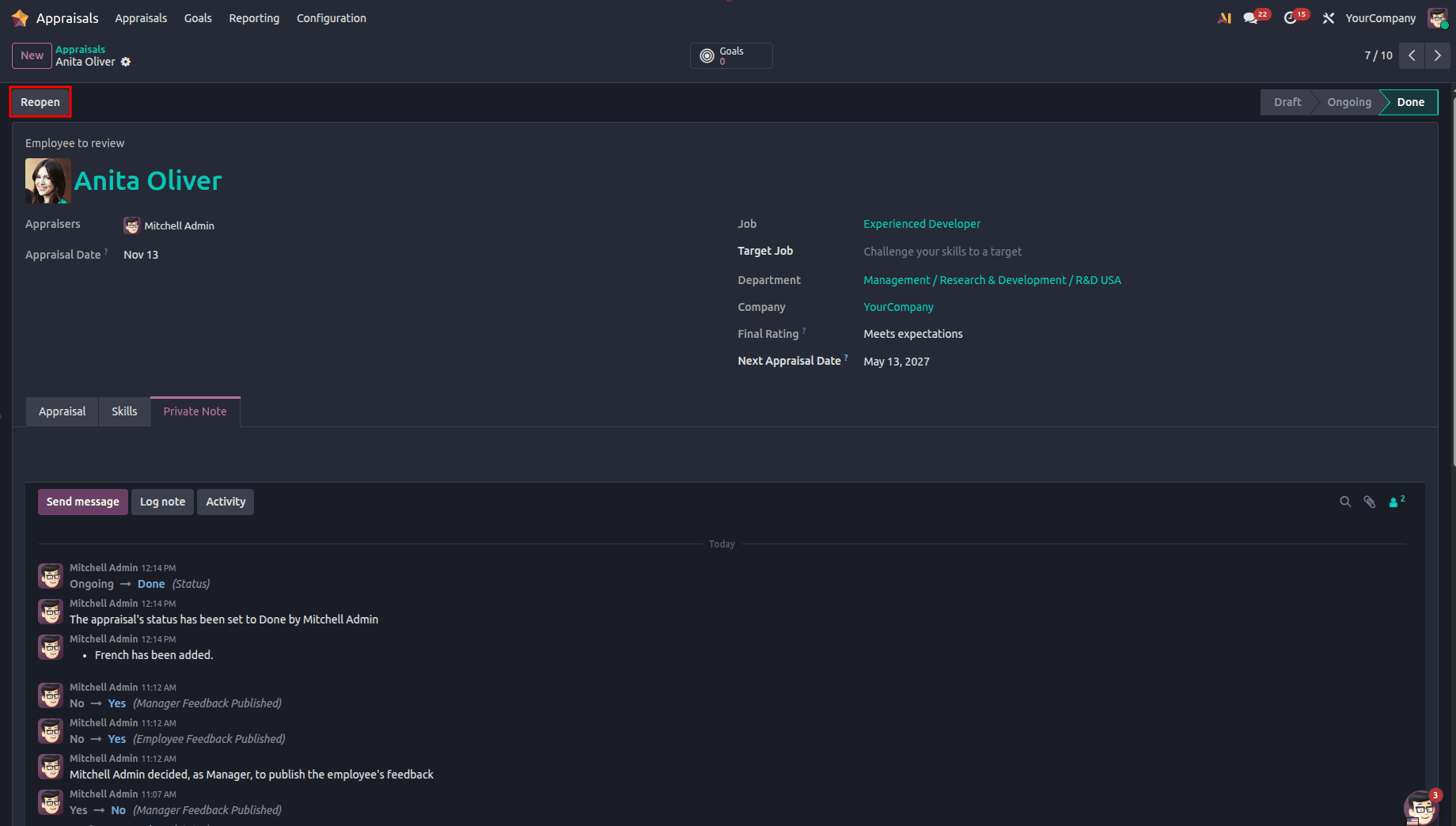
When the manager assigns the goals to the employee, these goals can be viewed from the Goals smart tab. The total number of appraisals done for the employee is visible in the Appraisals smart tab. Furthermore, by pressing the Reopen button, the appraisal will go back to the Draft stage.
Employee evaluations can be made easy and automated using the Appraisals module in Odoo 19. This will help businesses ensure that everything is done consistently and fairly throughout the business. The appraiser has options such as customization of the appraisal form, gathering feedback, reminder setting, and scheduling, which ensures that no date or information is missed during the process of planning and conducting appraisals. Odoo 19 not only improves employee engagement but also provides valuable data about their performance.
To read more about How Employee Appraisals Can Be Done With Odoo 18, refer to our blog How Employee Appraisals Can Be Done With Odoo 18.