In Odoo, an email template is a predefined email format that Odoo uses to automatically send emails from the system.
An email template defines:
- Subject of the email
- Email body (the message content)
- Recipients (To, CC, BCC)
- Attachments (like invoices or reports)
- Dynamic fields (such as customer name, invoice number, amount, etc.)
These templates use dynamic placeholders, so the same template can be reused for many records. For example, one invoice email template can automatically include the correct customer name and invoice details for each invoice. Email templates are used across many Odoo modules.
In simple terms, an email template in Odoo helps you send consistent, automatic, and professional emails without writing them manually every time.
Odoo makes it easy to change existing email templates so they fit your business needs. You don’t have to create everything from scratch. You can update the subject, message content, recipients, and even add company branding or extra details.
Depending on your needs, you can make quick changes directly from the Odoo interface or use technical methods for more advanced customization. This flexibility allows you to send clear, professional emails that match how your business communicates.
Next, we will look step by step at how you can customize these email templates in detail.
For example, let’s say we want to change the email template used in the Accounting module. When a user clicks the Send button on an account.move record, Odoo automatically opens an email wizard. This wizard prepares the email using a predefined template.
Our goal is to modify the email template that this wizard relies on, which is the template Odoo uses when sending invoices.
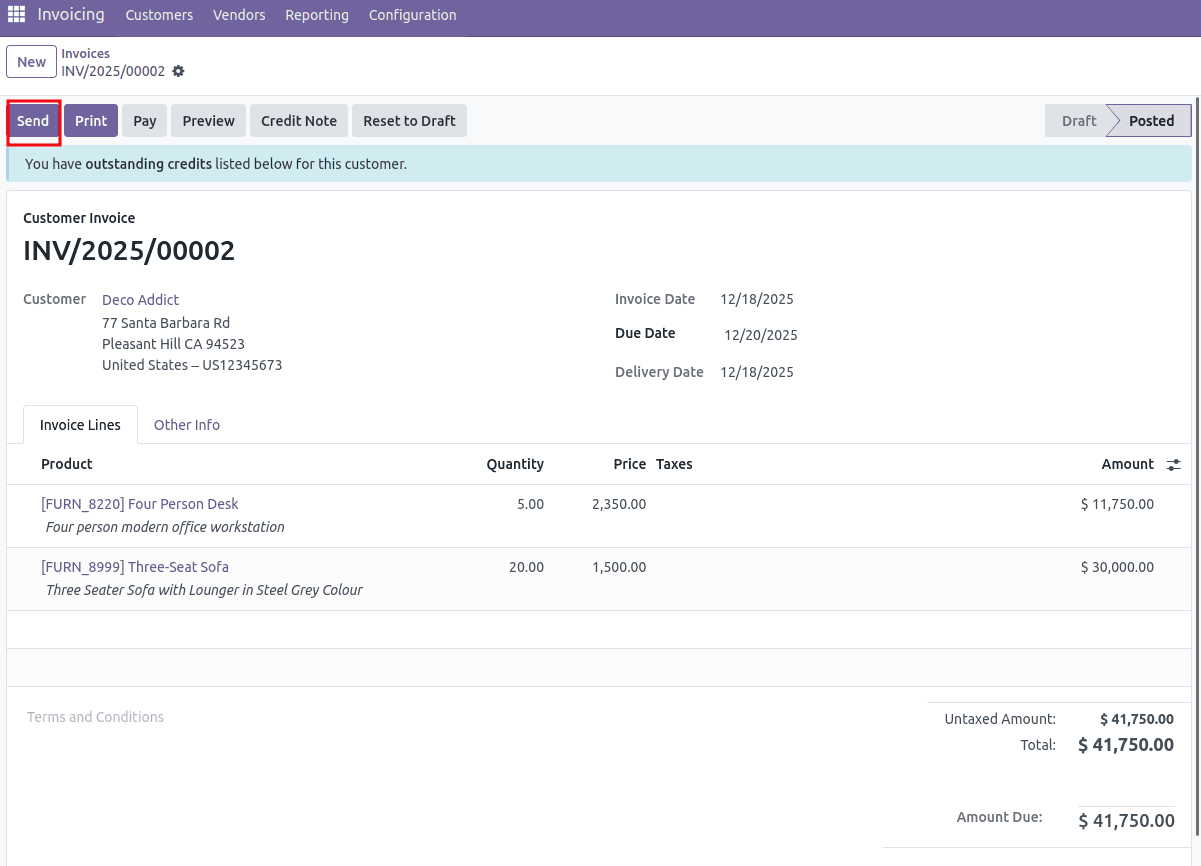
This is the standard email template associated with the account.move model in Odoo.
<?xml version="1.0" ?>
<odoo>
<!-- Mail template are declared in a NOUPDATE block
so users can freely customize/delete them -->
<data noupdate="1">
<record id="email_template_edi_invoice" model="mail.template">
<field name="name">Invoice: Sending</field>
<field name="model_id" ref="account.model_account_move"/>
<field name="email_from">{{ (object.invoice_user_id.email_formatted or object.company_id.email_formatted or user.email_formatted) }}</field>
<field name="partner_to">{{ object.partner_id.id }}</field>
<field name="subject">{{ object.company_id.name }} Invoice (Ref {{ object.name or 'n/a' }})</field>
<field name="description">Sent to customers with their invoices in attachment</field>
<field name="body_html" type="html">
<div style="margin: 0px; padding: 0px;">
<p style="margin: 0px; padding: 0px; font-size: 13px;">
Dear
<t t-if="object.partner_id.parent_id">
<t t-out="object.partner_id.name or ''">Brandon Freeman</t> (<t t-out="object.partner_id.parent_id.name or ''">Azure Interior</t>),
</t>
<t t-else="">
<t t-out="object.partner_id.name or ''">Brandon Freeman</t>,
</t>
<br /><br />
Here is your
<t t-if="object.name">
invoice <span style="font-weight:bold;" t-out="object.name or ''">INV/2021/05/0005</span>
</t>
<t t-else="">
invoice
</t>
<t t-if="object.invoice_origin">
(with reference: <t t-out="object.invoice_origin or ''">SUB003</t>)
</t>
amounting in <span style="font-weight:bold;" t-out="format_amount(object.amount_total, object.currency_id) or ''">$ 143,750.00</span>
from <t t-out="object.company_id.name or ''">YourCompany</t>.
<t t-if="object.payment_state in ('paid', 'in_payment')">
This invoice is already paid.
</t>
<t t-else="">
Please remit payment at your earliest convenience.
<t t-if="object.payment_reference">
<br /><br />
Please use the following communication for your payment: <strong t-out="object.payment_reference or ''">INV/2021/05/0005</strong>
<t t-if="object.partner_bank_id">
on the account <strong t-out="object.partner_bank_id.acc_number"/>
</t>
.
</t>
</t>
<t t-if="hasattr(object, 'timesheet_count') and object.timesheet_count">
<br /><br />
PS: you can review your timesheets <a t-att-href="'/my/timesheets?search_in=invoice&search=%s' % object.name">from the portal.</a>
</t>
<br /><br />
Do not hesitate to contact us if you have any questions.
<t t-if="not is_html_empty(object.invoice_user_id.signature)">
<br /><br />
<t t-out="object.invoice_user_id.signature or ''">--<br/>Mitchell Admin</t>
</t>
</p>
</div>
</field>
<field name="report_template_ids" eval="[]"/>
<field name="lang">{{ object.partner_id.lang }}</field>
<field name="auto_delete" eval="True"/>
</record>
Here, we can see that the Subject, Sender Address, and Recipient Address are mentioned. Now, let us see how to inherit the email template.
In the above template, we can see that <data noupdate="1"> prevents us from updating the template. So first, we need to change noupdate="1" to noupdate="0".
<function name="write" model="ir.model.data">
  <function name="search" model="ir.model.data">
    <value eval="[('name', '=', 'email_template_edi_invoice'), ('module', '=', 'account')]" />
  </function>
  <value eval="{'noupdate': False}" />
</function>
This code allows the email_template_edi_invoice template to be updated in future upgrades by changing its noupdate flag from True (protected) to False (updatable).
<record id="account.email_template_edi_invoice" model="mail.template">
            <field name="subject">{{ object.company_id.name }} Invoice (Ref {{ object.name or 'n/a' }}) {{
                object.invoice_date }}
            </field>
 </record>
In the previous template, we had only the invoice reference (name); here, I have added the invoice date along with the name.
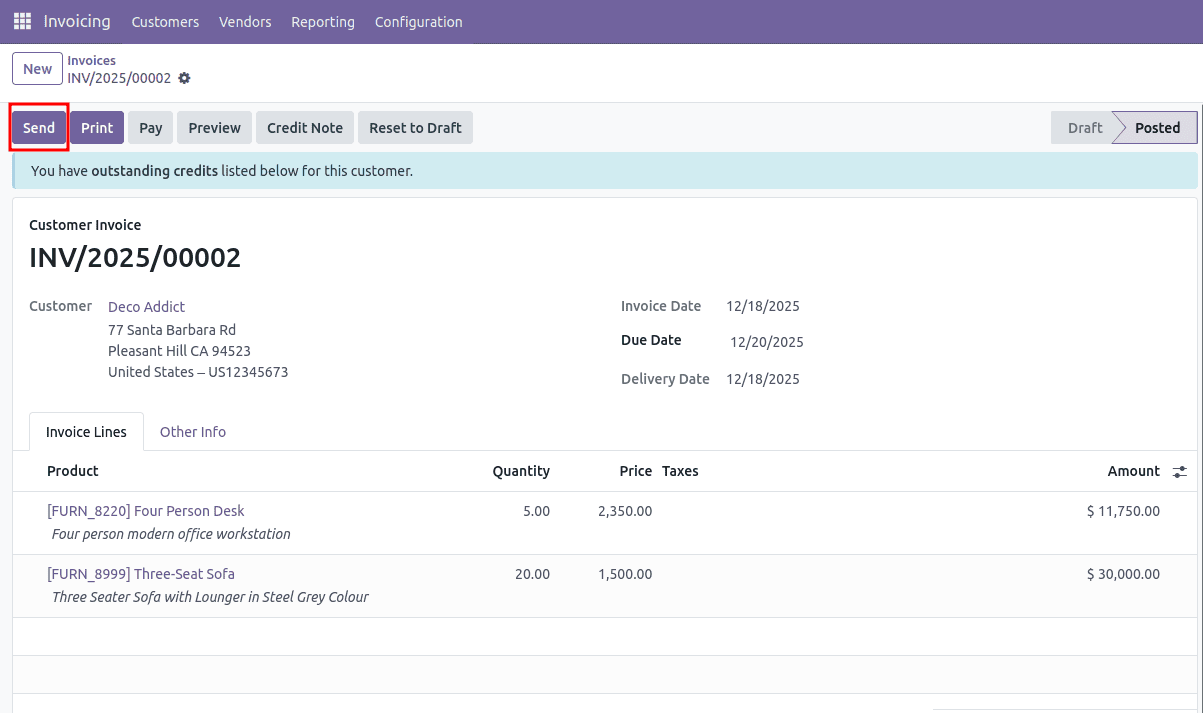
In this case, the date appears within the subject field. Once the necessary changes are made, it’s important to set the noupdate attribute to True again. This will prevent the template from being altered during any future module updates or installations, ensuring it stays unchanged.
<function name="write" model="ir.model.data">
  <function name="search" model="ir.model.data">
    <value eval="[('name', '=', 'email_template_edi_invoice'), ('module', '=', 'account')]" />
  </function>
  <value eval="{'noupdate': True}" />
</function>
Here, we explored how to inherit and modify an existing mail template in
Odoo 18 without recreating it from scratch. Email templates play a key role in Odoo by enabling automated, consistent, and professional communication across modules such as accounting, sales, etc.
To read more about How to Inherit & Update an Existing Mail Template in Odoo 17, refer to our blog How to Inherit & Update an Existing Mail Template in Odoo 17.