Products on an online store are arranged using eCommerce categories in Odoo 19. They make it simple for consumers to browse and locate products according to particular categories or groupings. There is more flexibility in product organization when a single product is assigned to one or more eCommerce categories. These categories can be used as product filters or navigation menus on the website. For better product layout, businesses might establish a hierarchical framework with parent and child categories. Internal product categories used for accounting and inventory management are kept apart from eCommerce categories. By making product discovery quicker and easier, they enhance the purchasing experience. Businesses can improve website usability and boost online sales prospects by establishing suitable eCommerce categories.
It's crucial to make your online store user-friendly. To make it easier for customers to browse your product list, Odoo 19 allows you to group your products into eCommerce categories. This facilitates shopping and may boost revenue. This article explains how to use the Odoo 18 Website module to build, sort, and publish eCommerce categories.
Why Use Odoo's eCommerce Categories?
Odoo's eCommerce categories are distinct from the product categories used for accounting or inventory management. They are designed to help clients find what they need by organizing similar products. These categories improve the overall purchasing experience by displaying simple menus on the store page of your website. Additionally, they enable multi-level categories, such as parent-child hierarchies, which enable the creation of intricate yet user-friendly catalogue systems. To assist clients in finding things step-by-step, you may create a category such as Clothing > Men > T-Shirts.
Establishing Categories for eCommerce
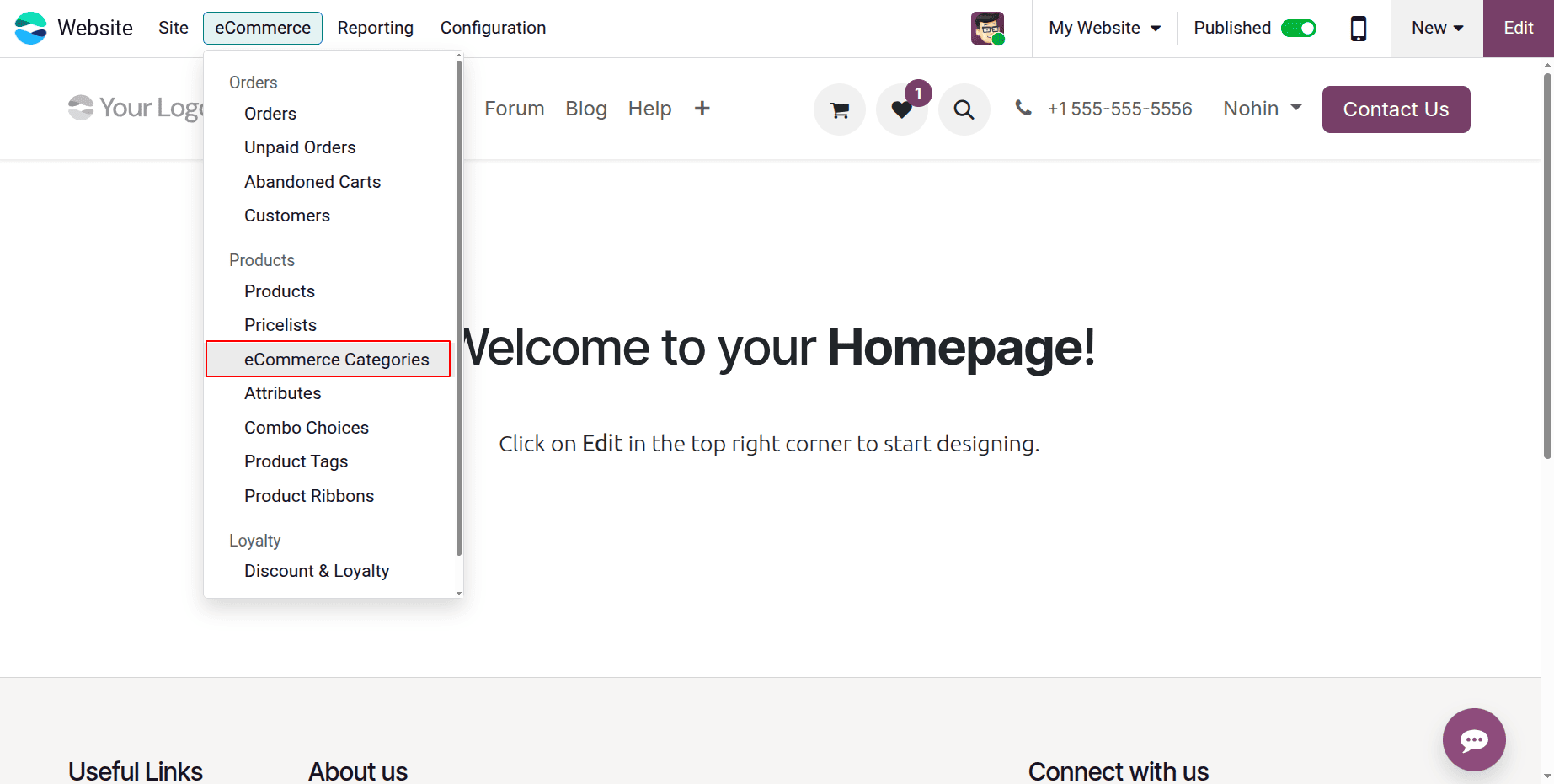
Go to Website > eCommerce > Ecommerce Categories in Odoo 19 and click "New" to create a new category to begin organizing your products.
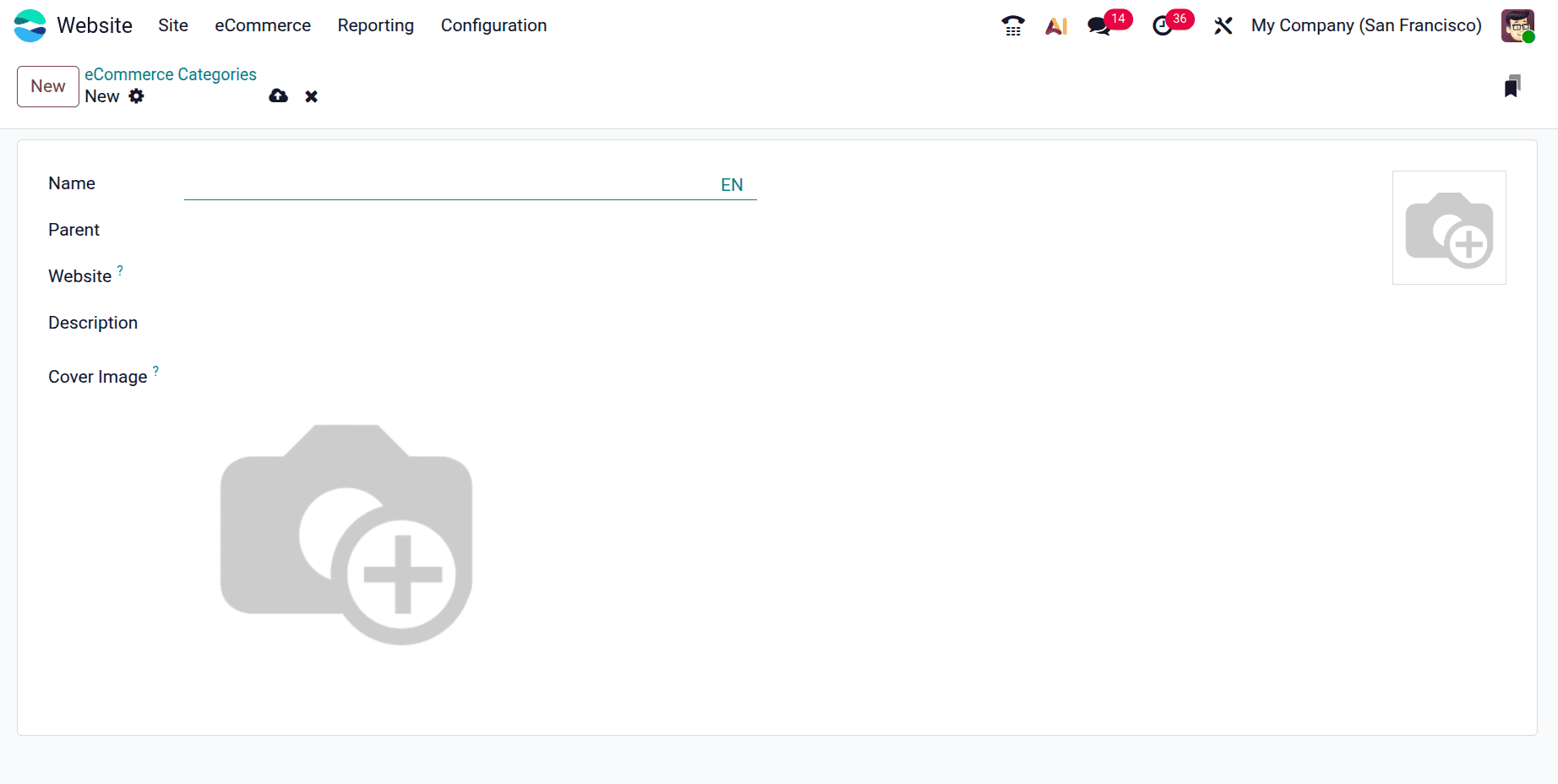
Enter the required information, including the Name (e.g., "Cloaths"), the Website for multi-website support, the Parent Category if the new category should be nested beneath an existing one, and the Category Description.
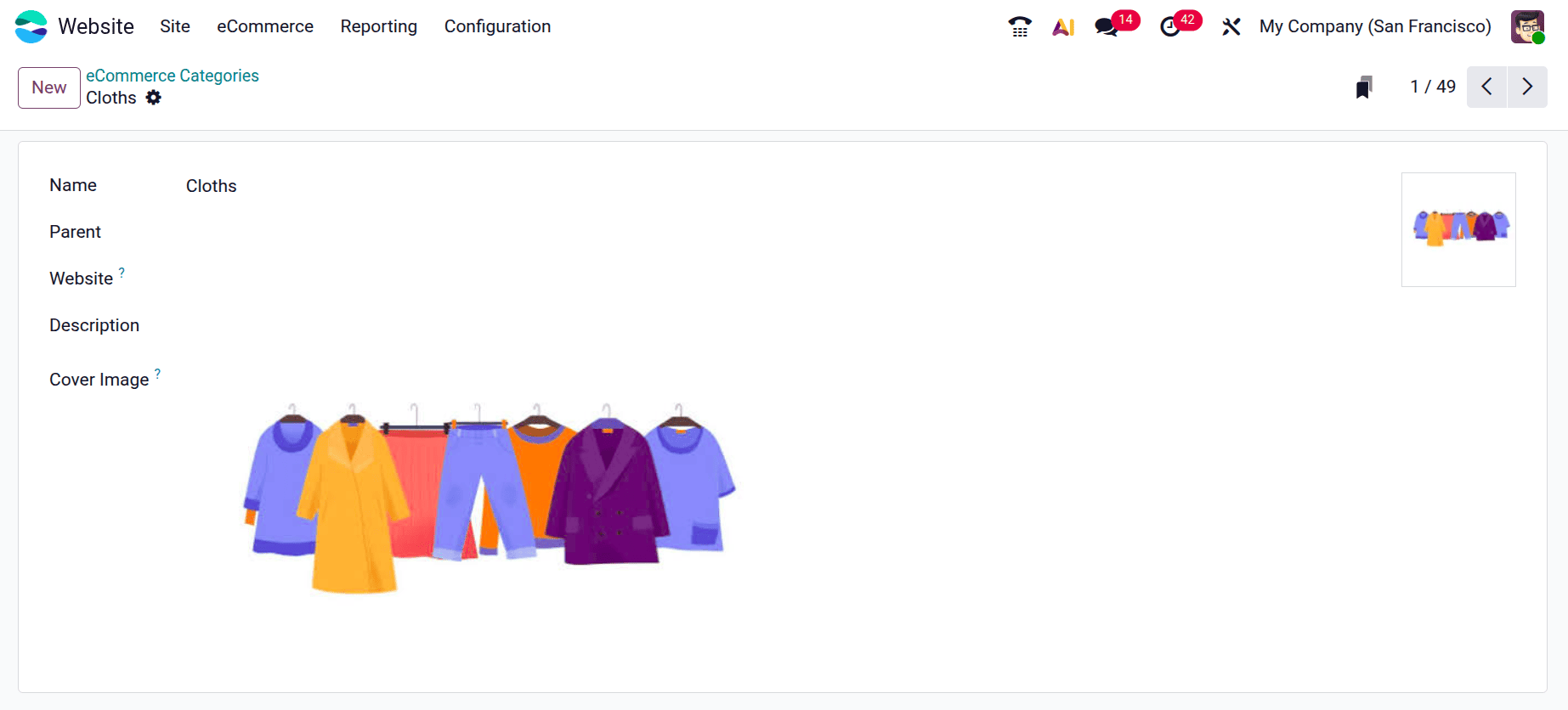
By connecting parent and child categories, Odoo allows you to build a multi-level website catalogue. For example, you could make a primary category called Cloths, with subcategories such as Upper Body, and Lower Body. This improves the organization and readability of your product list.
Putting Items in eCommerce Categories
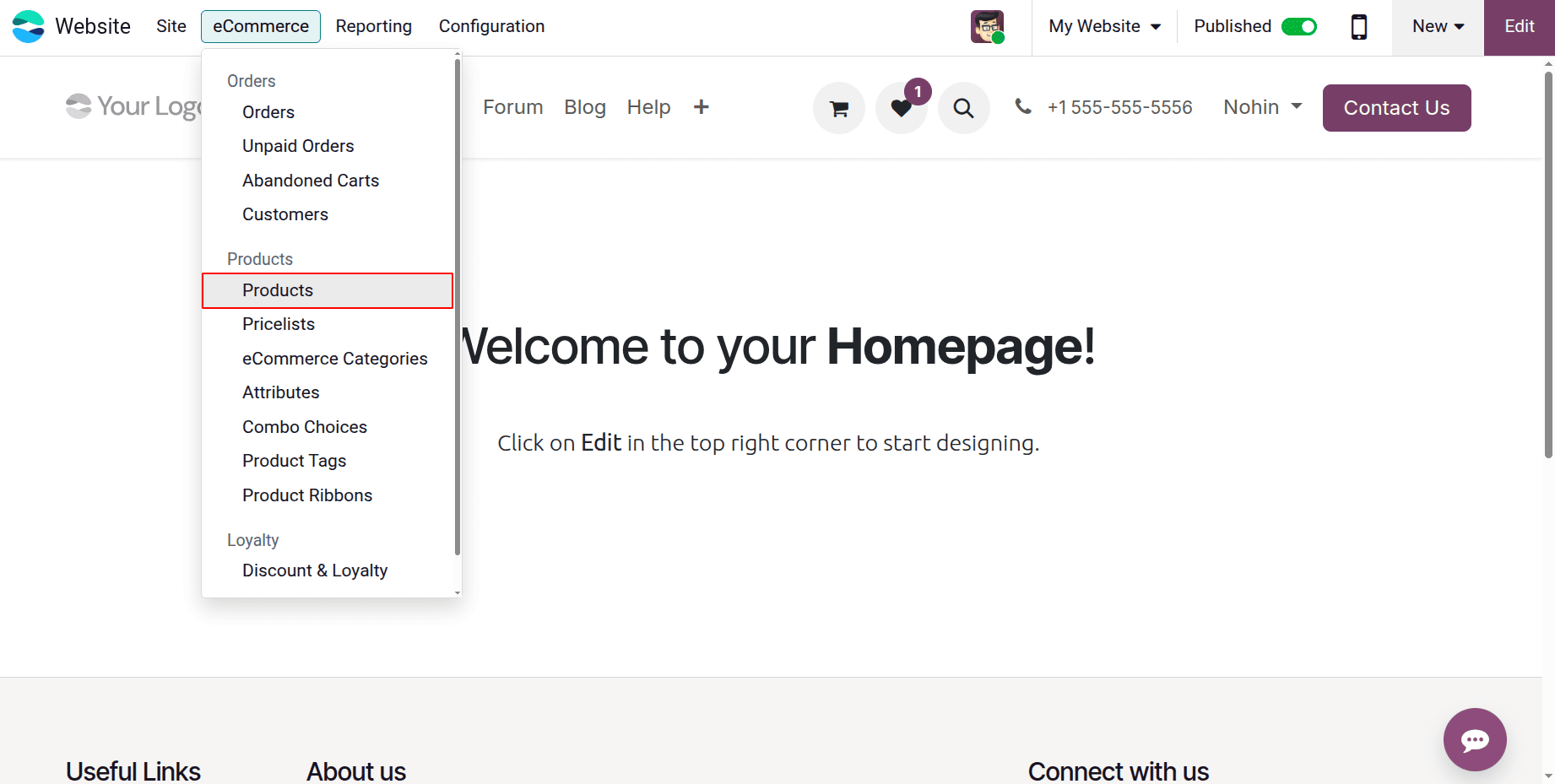
You must link products to your categories once you have created them. Choose a product you wish to update by going to Website > eCommerce > Products.
Locate the eCommerce Category field under the Sales tab and select the appropriate category for the item. A product may belong to more than one tag for improved filtering options on the website, even though it can only be tied to one category for frontend presentation.
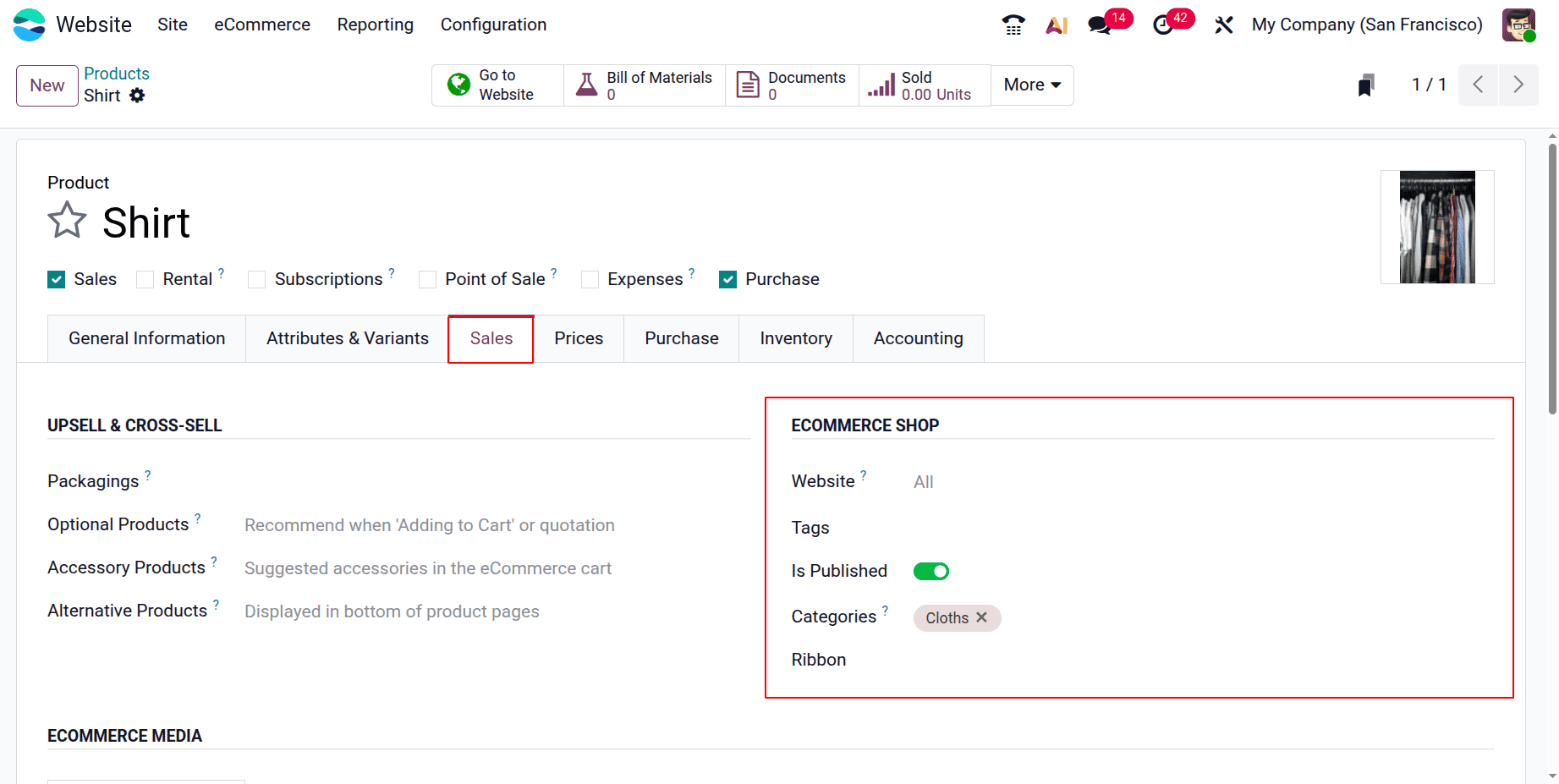
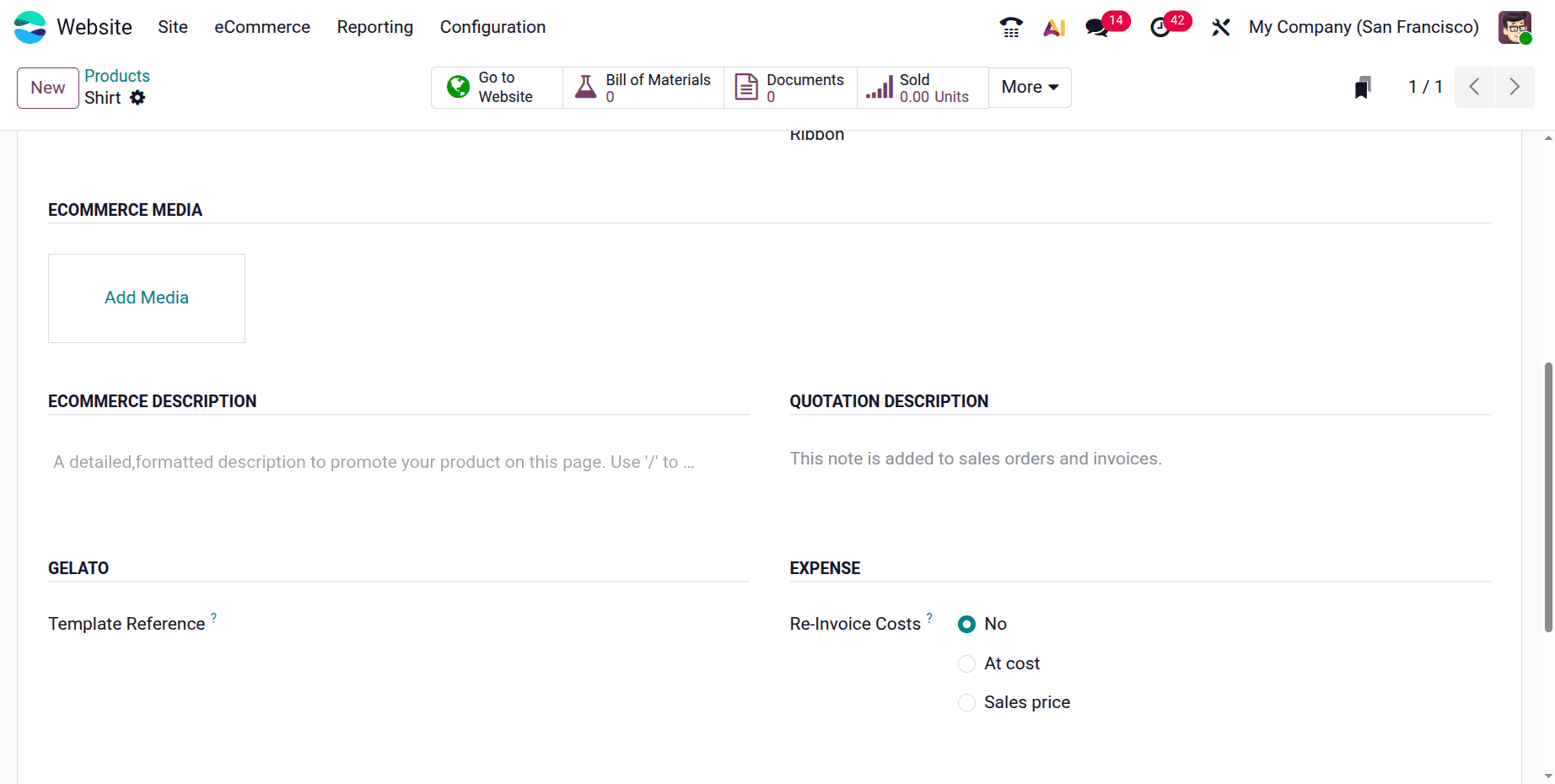
Open the product form and select "Is Published" to display the product on the website. Next, configure website-specific information under the eCommerce media section, such as the eCommerce description and additional photos. Once saved, your online consumers will be able to see the product on the Shop page in the designated category.
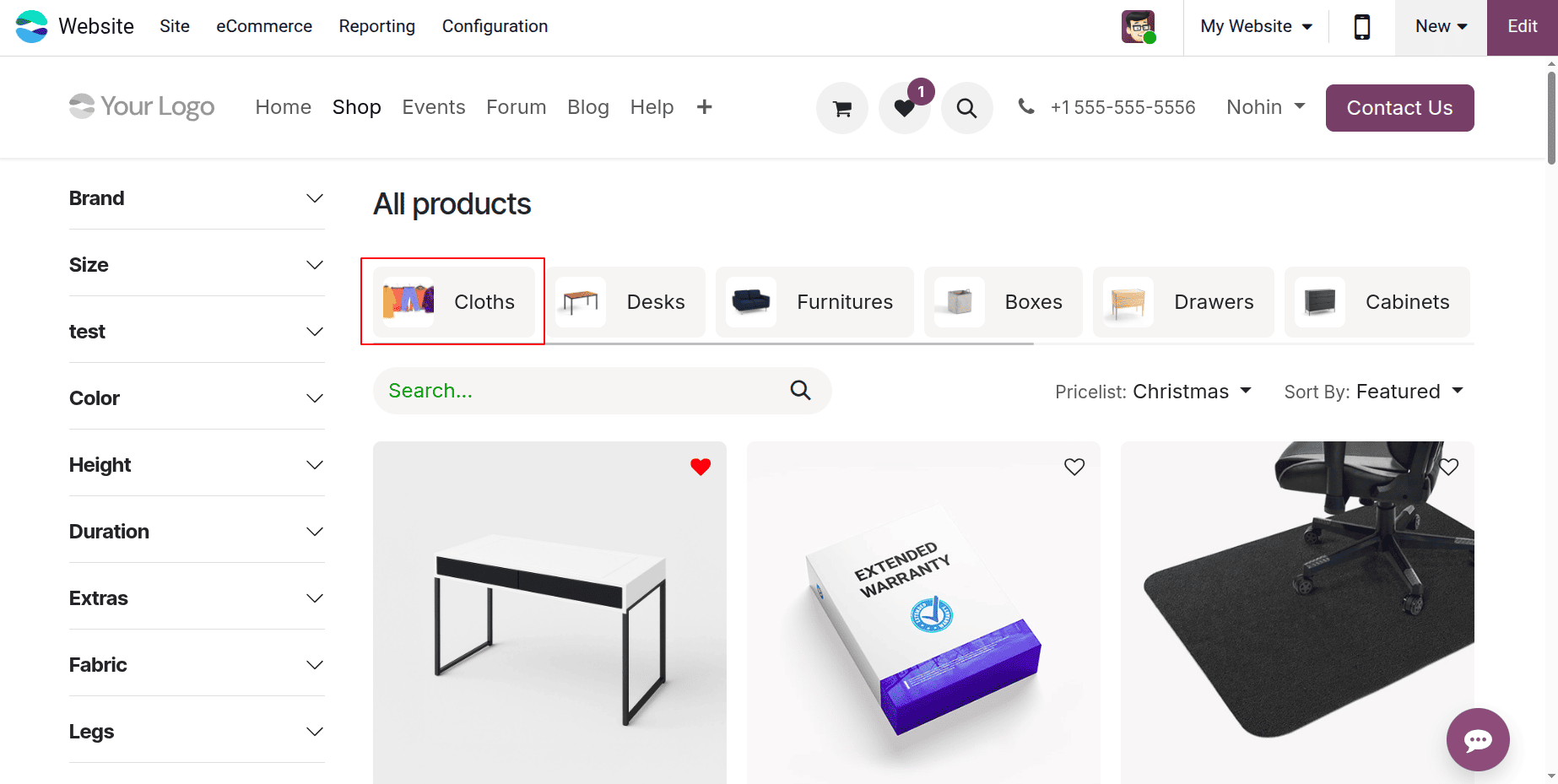
Go to the website and see the Shop page after your categories and products have been assigned. The top navigation bar will display the categories you created.
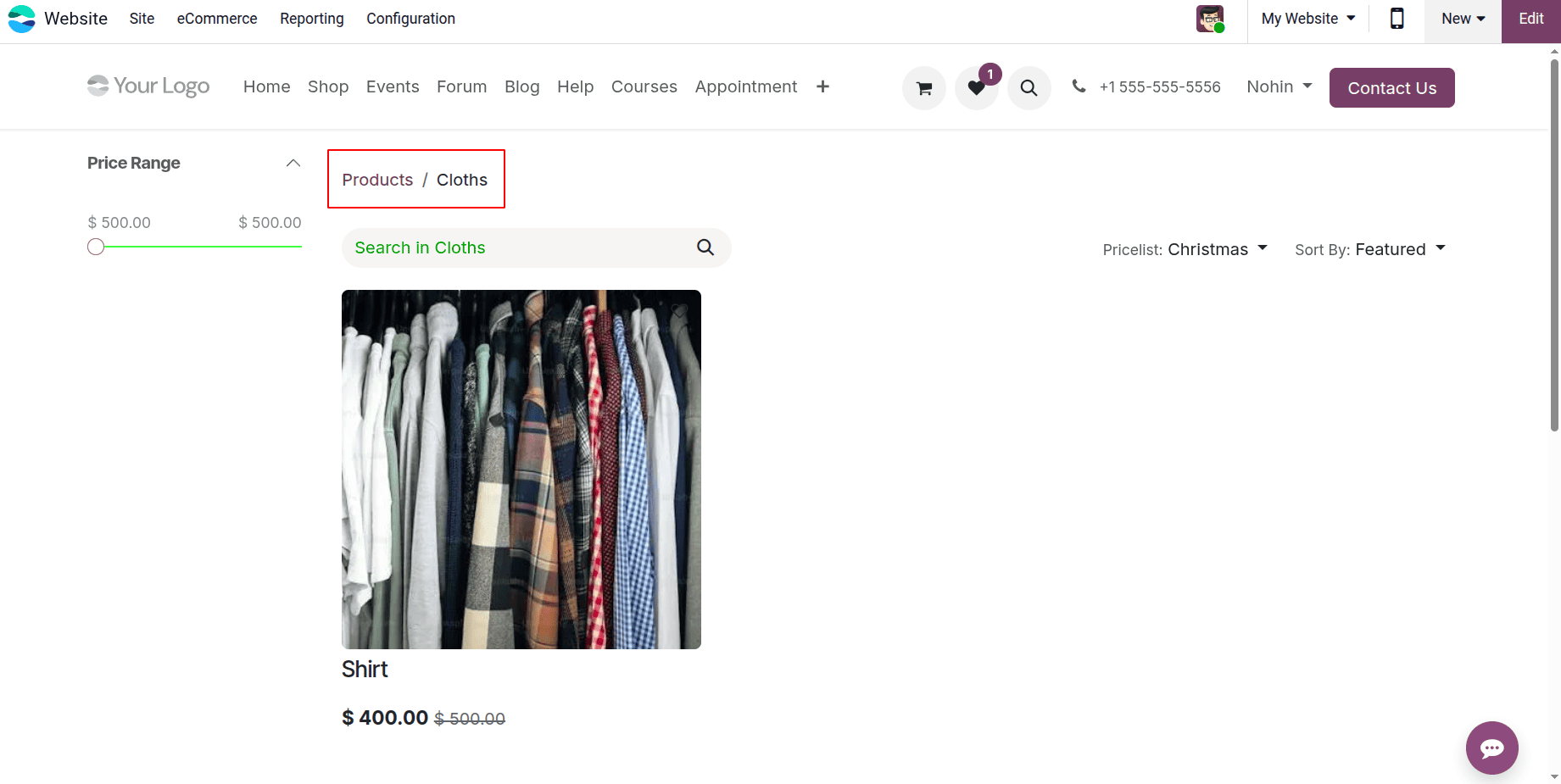
The shop site will only display items in that category when a consumer clicks on it, making shopping simpler and more enjoyable.
There are numerous significant advantages of using eCommerce categories on the Odoo website. Improved SEO is one of the main benefits since each category has its own URL that may be search engine optimized to increase exposure and traffic. Additionally, it improves the user experience by making it easy for consumers to locate the products they want through intuitive navigation. Additionally, eCommerce categories facilitate improved merchandising, allowing companies to showcase popular product categories or seasonal collections, which eventually increases engagement and sales.
eCommerce Categories in Odoo 19 provide a simple and effective way to organize products and improve website navigation. Businesses may make it easier for customers to identify products and improve their entire shopping experience by developing a well-organized category hierarchy. Better product visibility, higher customer satisfaction, and enhanced online sales success can result from the appropriate usage of eCommerce categories.
To read more about Overview of Organizing Products by Categories in Odoo 18 Website, refer to our blog Overview of Organizing Products by Categories in Odoo 18 Website.